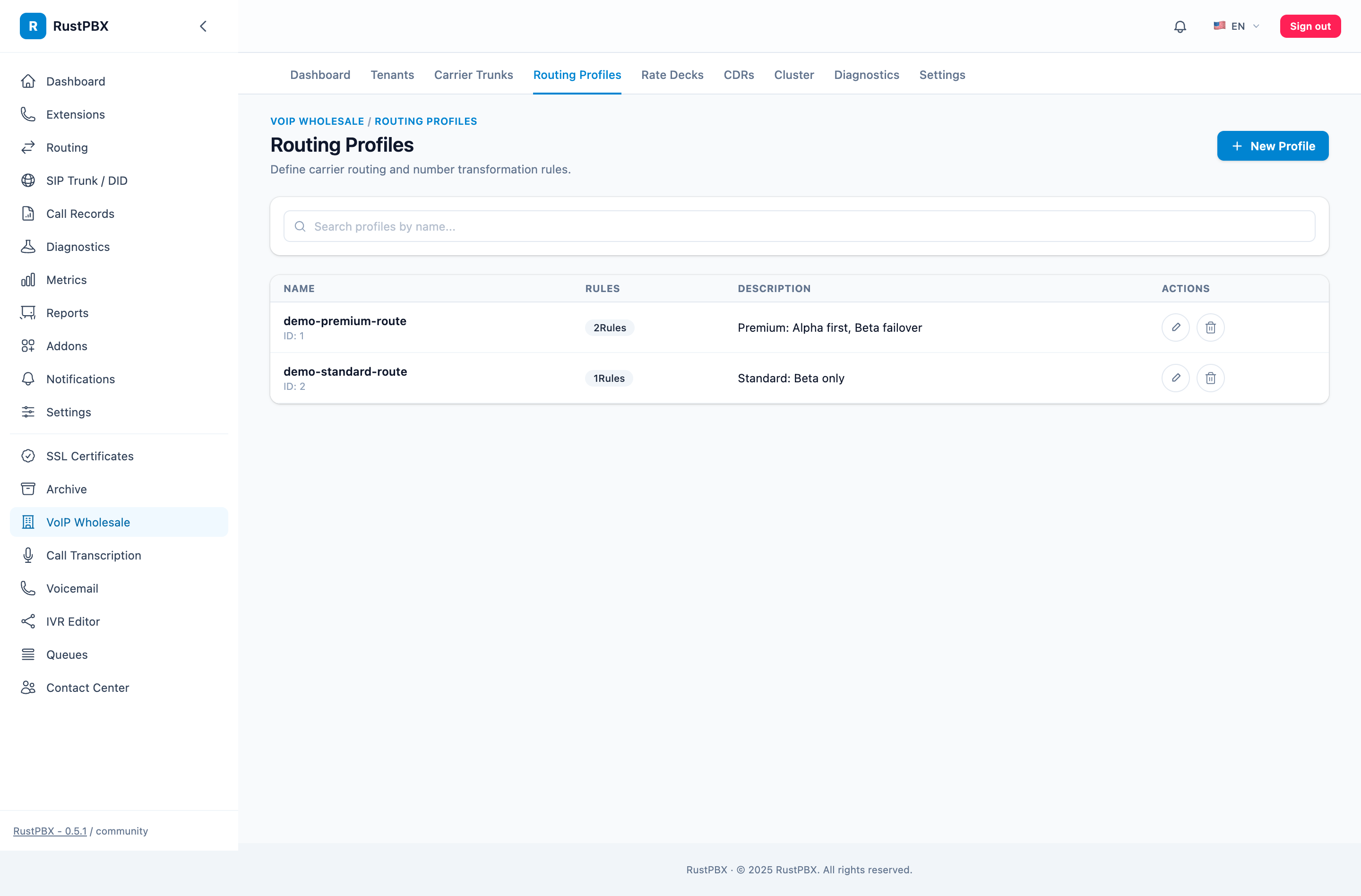
Routing Profiles
Routing profiles determine how a tenant’s outbound call traffic selects trunks.
1. Routing Profile Structure
Routing Profile
  ├── Routing Rule 1 ──► Prefix match → Trunk selection → Number rewriting
  ├── Routing Rule 2 ──► ...
  └── Routing Rule N ──► ...
2. Create a Routing Profile
Wholesale → Routing Profiles → Create New:
- Name: e.g. “profile-default”
- Retry policy: Whether to try the next rule on failure
- Max failover attempts: Default 3
3. Routing Rule Configuration
Each routing rule defines:
| Field | Description | Example |
|---|---|---|
| Match Prefix | Callee number prefix | 86 |
| SIP Trunk | Target trunk | carrier-a |
| Priority | Lower number = higher priority | 10 |
| Weight | Traffic distribution ratio at same priority | 100 |
| Callee Strip | Remove first N digits from callee | 0 |
| Callee Prepend | Add prefix to callee | None |
| Callee Regex | Regex replacement | None |
| Caller Pool | Rotating caller ID list | Multiple caller IDs |
3.1 Multiple Caller & Callee Patterns (0.5+)
A single route item can carry multiple caller and callee prefixes — one item covers what used to take several. Mobile/fixed splits of the same destination code, or the several CLI pools of one customer, become a single rule entry. Route items also gained a stable id column and deterministic ordering, so the same input always evaluates the same way across reloads and nodes.
3.2 Priority & Weight
Callee: 861012345678

Rule matches:
├── Priority 10, carrier-a, weight 80  ← matches prefix "86"
├── Priority 10, carrier-b, weight 20  ← matches prefix "86"
└── Priority 20, carrier-c, weight 100 ← matches prefix "8610"
Matching logic:
- Trie longest prefix match finds all matching rules
- Sorted by priority (lower number first)
- Within the same priority, weighted round-robin by weight
- If LCR is enabled, same-priority trunks are sorted by buy price ascending
- If the call fails, try the next priority
3.3 RouteInvite Chain (0.5+)
The wholesale RouteInvite node chains with the core default router: if no wholesale profile matches (or the tenant has no profile bound), the call falls through to RustPBX’s standard routing instead of dead-ending. Wholesale routes are also exposed to the console’s unified routing stack, so you can see wholesale and core contributions in one ordered view.
3.4 Caller ID Pool
Configure multiple caller IDs for rotation:
{
  "caller_pool": ["05711234567", "05711234568", "05711234569"]
}
Use case: Carriers require caller ID rotation or limit per-number concurrency.
3.5 Number Rewriting Pipeline
Calls pass through multiple layers of number rewriting:
Original Number
  → Tenant-level rewriting (strip/prepend/regex)
    → Routing rule rewriting (strip/prepend/regex)
      → Trunk tech prefix (tech_prefix)
        → Sent to carrier
4. Failover & Retry
4.1 Retry Configuration
| Parameter | Description | Default |
|---|---|---|
| max_failover | Maximum failover attempts | 3 |
| retry_interval_ms | Retry interval | 0 |
| failure_codes | SIP status codes that trigger retry | [486, 487, 503] |
4.2 Failover Flow
carrier-a (priority 10) ──► 503 failure
  └── carrier-b (priority 10) ──► timeout
        └── carrier-c (priority 20) ──► success ✓
4.3 Specific Reject Reasons (0.5+)
When a trunk declines a call, the CDR and the API surface a specific reject reason (out of credit, circuit open, no matching route, carrier-rejected) instead of a generic 403/486 — margin analysis no longer requires guessing from status codes alone.
5. Hot Reload
After modifying a routing profile, click “Reload”:
- Exports to
routing_profiles.generated.toml - Rebuilds the in-memory routing Trie
- Existing calls are unaffected
6. Route Simulator & Diagnostics
Route Simulator (0.5+, Wholesale console): paste a caller/callee pair and the simulator shows which route items matched and which trunk would win — verify a rate-deck or profile change with zero test calls.
Routing Diagnostic Tool (Wholesale console):
Input: Tenant ID + Callee number
Output:
- Matched routing rules (prefix, priority)
- Selected trunk
- Sell rate, buy rate
- Number rewriting results
- Circuit breaker status
Useful for troubleshooting routing issues or rate errors.